I Broke CodeButler on Vacation. Then I Redesigned It From a Beach Towel.
A failed Slack migration, a dead daemon, and two weeks of specs written without a laptop — how CodeButler v2 became a multi-agent team.
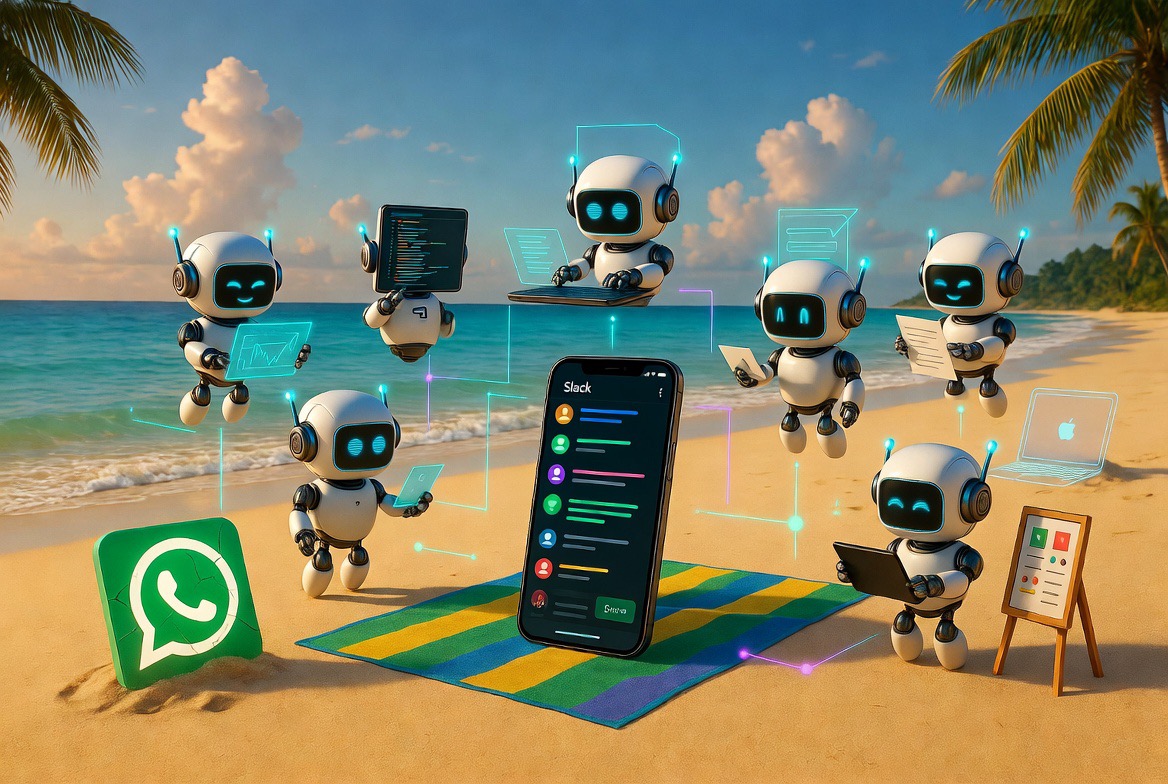
These are strange weeks to take a vacation. Every day there’s a new model, a new agent framework, a new thing that makes yesterday’s architecture feel obsolete. Taking two weeks off from AI right now feels like stepping away from a river that’s accelerating. But we’d been planning this family trip for months — long before the pace got this insane — and some things you don’t reschedule.
So I went to Brazil. No laptop, no terminal, just a phone and a beach towel. And a dead tool.
CodeButler — the WhatsApp-to-Claude-Code bridge I’d been running for weeks — had been working perfectly. Three daemons, three repos, three WhatsApp groups. I was coding from the beach, fixing bugs from the couch, shipping features from my phone. I’d even turned off OpenClaw because Butler was enough. One Go binary, zero idle cost, flat-rate Claude Code subscription. Why run anything else?
Then I tried to make it better.
The Migration That Killed It
WhatsApp works. But it has no threads. Every message in a group is a flat stream — you can’t have two conversations about two different things without them colliding. For a single user on a single project, that’s fine. But I was already running three daemons, and I could see where this was going: team support, concurrent tasks, structured conversations. WhatsApp doesn’t do any of that.
Slack does. Threads are first-class. You can have ten conversations in the same channel without confusion. It’s what every company already uses. The migration felt obvious.
I started the Slack integration from Brazil, pushing changes through CodeButler itself — the tool building itself, as usual. It was going well until a pre-commit check failed. No big deal, I thought. Let me update the dev tools. I ran a system update on my Mac back home, remotely.
CodeButler stopped responding.
Something in the update broke the Claude Code environment. The daemon wouldn’t start. I tried debugging from my phone — sending commands to the CodeButler group — but you can’t debug a dead process through itself. That’s the kind of recursive problem that has no solution.
And I had no laptop. I was on a beach in Brazil.
Two Weeks Without a Terminal
The first day was frustrating. I had three repos with no way to push code to them. OpenClaw was already off — I’d shut it down weeks earlier because Butler made it redundant. My entire development workflow depended on a single binary that was now dead.
By the second day, the frustration turned into something else. I started writing.
Not code — I couldn’t write code. I wrote specs. On my phone, in a notes app, sitting on the sand. What would CodeButler look like if I rebuilt it from scratch? Not a WhatsApp bridge to Claude Code. Not a daemon that shells out to claude -p. Something native. Something that owns its own agent loop, its own tools, its own memory.
The constraint — no terminal, no IDE, just a phone and time — turned out to be the best thing that could have happened. I couldn’t hack. I couldn’t iterate. I couldn’t do the thing I always do: start coding before the design is finished and figure it out along the way. All I could do was think.
From One Agent to Six
The original CodeButler was one agent doing everything. Claude Code received the message, planned the work, wrote the code, ran the tests, created the PR. One model, one conversation, one context window trying to hold the entire problem.
It works for small tasks. It breaks down for anything real. The planner and the coder have different needs — the planner needs to be fast and cheap, exploring the codebase and talking to the user. The coder needs to be powerful and focused, with a full context of the implementation. Cramming both into one session means the planner pays Opus prices for questions, and the coder loses context to planning chatter.
So I split them. Six agents, one binary, parameterized by --role:
1
2
3
4
5
6
codebutler --role pm
codebutler --role coder
codebutler --role reviewer
codebutler --role researcher
codebutler --role lead
codebutler --role artist
Same Go binary, different system prompts, different models, different jobs. The PM plans on a cheap model. The Coder builds on Opus. The Reviewer checks quality on Sonnet. The Researcher fetches docs on demand. The Artist designs UI/UX with Sonnet for reasoning and OpenAI for image generation. The Lead runs retrospectives and evolves the whole system’s memory.
Communication between them? Slack messages. That’s it. No IPC, no shared memory, no message bus. When the PM needs the Coder, it posts @codebutler.coder implement: [plan] in the thread. The Coder’s Slack listener picks it up. The thread IS the coordination layer.
The Thread Is Everything
Every task is a Slack thread. Every thread is a git branch. Every branch is a PR. 1:1:1, non-negotiable. The PM creates a worktree the moment a thread starts. The Coder works in that worktree. The Reviewer reads the diff. The Lead runs the retro. When the PR merges, the worktree gets cleaned up.
The Slack thread is the source of truth for what agents say to each other. But each agent also keeps a private conversation file in the worktree — the full back-and-forth with the model, including tool calls, retries, and reasoning that never reaches Slack. The Coder might make twenty tool calls before posting “PR ready.” Those twenty rounds live in coder.json, not in the thread.
This means you can watch the conversation unfold in Slack — PM proposes a plan, user approves, Coder starts working, Reviewer gives feedback — and it reads like a team working together. Because it is.
Memory That Learns
The old CodeButler had no memory. Every session started fresh. The new one has a memory system built on markdown files that double as system prompts.
Each agent has one MD file — personality, project map, and learnings. The PM’s file knows the project’s features and domains. The Coder’s file knows the architecture and patterns. The Reviewer’s file knows the quality hotspots. After every PR, the Lead runs a retrospective, discusses improvements with the agents in the thread, and proposes updates to these files. The user approves. The learnings land on main with the merge.
The flywheel: rough workflow, friction, Lead discusses with agents, improvement, smoother next thread. Over time, the PM stops asking questions it’s already learned the answer to. The Coder stops making mistakes it’s been warned about. The system gets better because the system prompts get better — and those prompts are just files in the repo, versioned with git.
No Terminal Needed
The thing that killed v1 — needing a laptop to debug it — is the thing v2 eliminates. Everything runs as OS services. Six processes, auto-restart on crash. Each one connects to Slack via Socket Mode, picks up pending @mentions on startup, resumes conversations from its JSON files.
If a process dies, the others keep working. When it comes back, it reads its active threads from Slack and picks up where it left off. If the whole machine reboots, all six services restart and reconcile. You don’t need a terminal to operate it. You don’t need a terminal to fix it. You need a phone and a Slack thread.
I finished the specs on the beach. Fifty pages of architecture, workflows, agent designs, memory systems, tool classifications, conflict coordination, and migration paths. Every section written on a phone, revised on a phone, argued with myself on a phone.
Then I fed them to Claude Code — from the phone. No laptop, no terminal, just the specs as input and Claude Code on the web doing what it does. By the time I was packing my bags, the new CodeButler was already taking shape. Agents, tools, Slack integration, memory system — all being built while I was still in Brazil.
Saturday I get home. I install it on my machine. Six services, auto-restart, ready to go.
This version is going to be good.