Coding From the Beach: The Self-Improving Daemon
Three CodeButler daemons, one phone, and a bug fix deployed from a beach towel without opening a laptop.
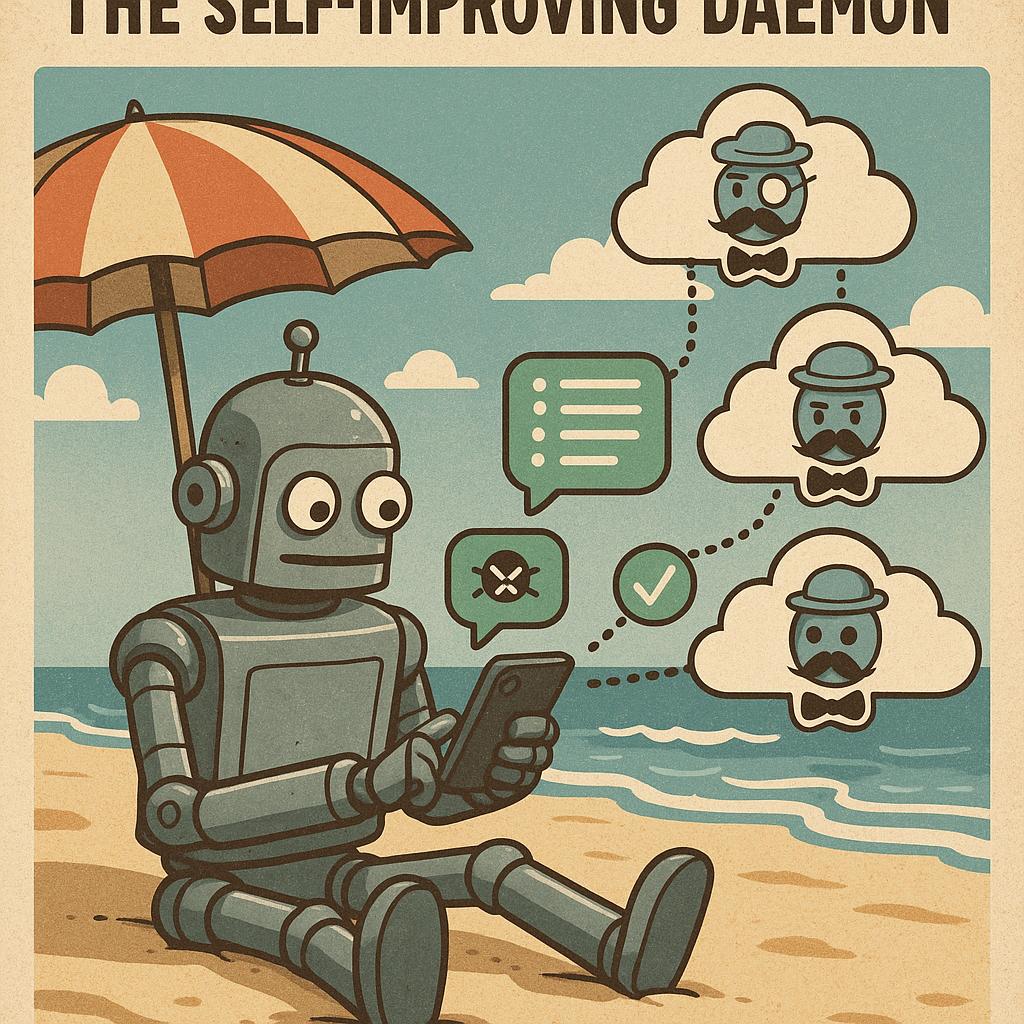
I’m on the beach. Back home, my Mac has three CodeButler daemons running — one for the iOS app, one for the backend API, one for CodeButler itself. Three terminals in a while true loop, three WhatsApp groups on my phone.
I message the “iOS app” group: “add haptic feedback to the purchase button.” Claude builds it, runs the tests, sends me screenshots of the result. I switch to the “API” group: “add rate limiting to the auth endpoint.” Done. Back to the towel.
Then the screenshots from a UI test arrive in reverse order — screenshot 6 first, screenshot 1 last. Not a bug in my project. A bug in Butler itself.
Fixing Butler Through Butler
I switch to the third WhatsApp group — the one connected to CodeButler’s own repo. “Fix the image send order, they arrive reversed.”
The daemon receives the message. Claude digs into the code, finds the bug — images were processed in reverse to keep string indices valid during tag removal — fixes it, creates a PR. I merge from my phone.
Now the fix needs to reach the other two daemons. Back to the CodeButler group: “install the new version.” Claude runs go install, the new binary lands in $PATH. I send /exit to all three groups.
Each daemon says “Bye!”, exits. Two seconds later, the while true loop restarts each one with the fresh binary. Each announces: “I am back. I am version 8.”
I go back to the iOS app group, ask for the screenshots again. This time they arrive in order. The whole cycle — discover a limitation, fix it, deploy, continue working — happened without opening a laptop.
while true as a Deployment Strategy
The deployment model is deliberately primitive:
1
while true; do codebutler; sleep 2; done
No systemd, no Docker, no process manager. When I want to deploy, I just need the process to die. The loop handles the rest.
/exit is the WhatsApp command that kills it. The daemon sends “Bye!”, cleans up the terminal, calls os.Exit(0). Two seconds later — back. On startup it announces its version, but only on the initial connection, not on WiFi reconnects. Nobody wants a “I am back” notification every time the network hiccups.
Version = PR number. PR #7 merged? Version 7. PR #12? Version 12. Monotonically increasing, maps directly to a GitHub URL, tells me exactly how many changes have landed. Baked into the binary with go:embed instead of -ldflags — because ldflags require the builder to pass the right flag, which works locally but breaks for go install github.com/...@latest. With go:embed, the version is part of the source. Anyone who builds it, from anywhere, gets the correct version.
The Tool That Builds Itself
The thing I didn’t plan for — the thing that emerged from having Butler connected to its own repo — is the closed loop.
I’m coding on a project through Butler. I run into something it can’t do. Maybe it needs to handle a new file format, or I want a new command, or the output formatting is wrong. The old workflow: stop what I’m doing, open a laptop, context-switch into Butler’s codebase, fix it, rebuild, redeploy, switch back.
The new workflow: switch to the Butler group. Describe what I need. Claude fixes it. I merge, install, /exit, and all three daemons come back upgraded. I switch back to whatever I was working on.
The tool and the workflow evolve together, from the same interface. The thing building my projects is also building itself — and I’m steering both from the same phone, from a beach towel.
I didn’t expect that part. Not that it would work — I figured it would. I didn’t expect it to feel this seamless. Like the tool disappears and all that’s left is the intent.